Troubleshooting guide
Synology Restore to Different NAS: Fix Missing Files After Offsite Restore
Category: Backup & Restore
You restored an offsite Hyper Backup vault to a different Synology NAS, but the restore finished without errors while files present in the backup are absent from the target.
Check the restore scope and destination mapping
First, confirm what was selected. In Hyper Backup, open the restore task log and verify the source folders and the destination share names. A common cause is that the backup contains multiple shared folders, but only one was selected during restore. Also check whether the target NAS already had a share with the same name; the restore may have merged into it instead of creating a new one. Interpretation: if the log lists fewer source folders than the backup contains, the restore scope was incomplete.
Compare the backup index with the target
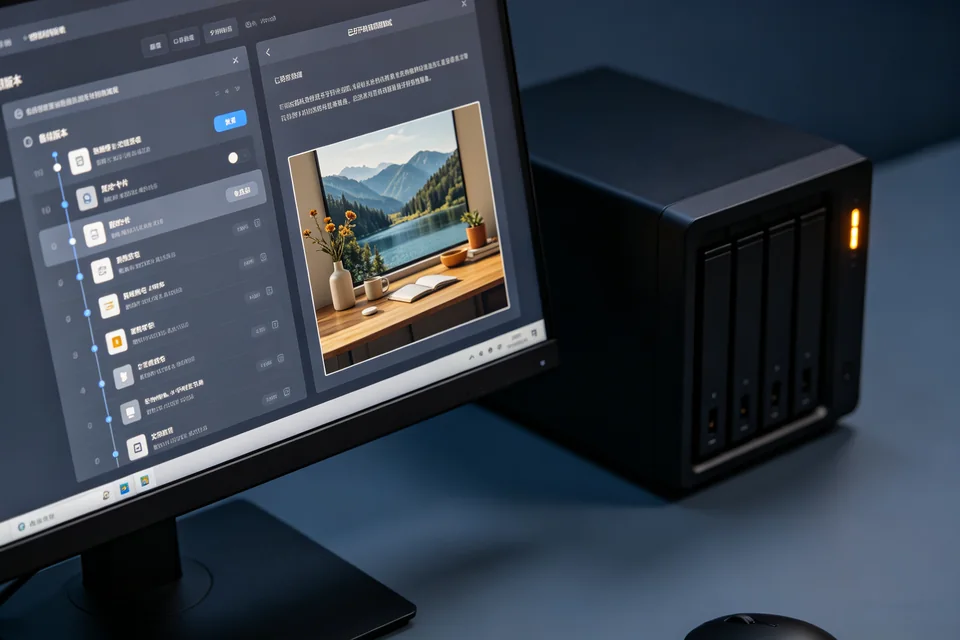
On the source NAS or via the vault, open Hyper Backup and browse the backup version. Note the exact folder count and a few file names. On the target NAS, open the restored share and compare. If the backup browser shows files that the target lacks, the restore did not write them. Check the target volume free space and whether the restore ran as a user with write permission to every destination folder. Interpretation: permission errors often appear as silent skips, not failures.
Run a verification test
Create a small test share on the target, restore a single known folder from the offsite vault into it, and compare file counts. Then repeat with the full restore. If the test share receives all files but the original destination does not, the issue is destination mapping or permissions, not backup integrity. This is the controlled diagnosis step before any further action.
Rollback and recovery note
Before retrying, rename the incomplete target share rather than deleting it, so you can compare or roll back. Then restore again to a new share name. If files still go missing,
Ask for help with the restore log and folder comparison. For a synology restore to different nas, verifying scope and permissions first prevents repeated incomplete restores.